Yes, it does! Our Slack integration allows you to get notified in your Slack workspace.
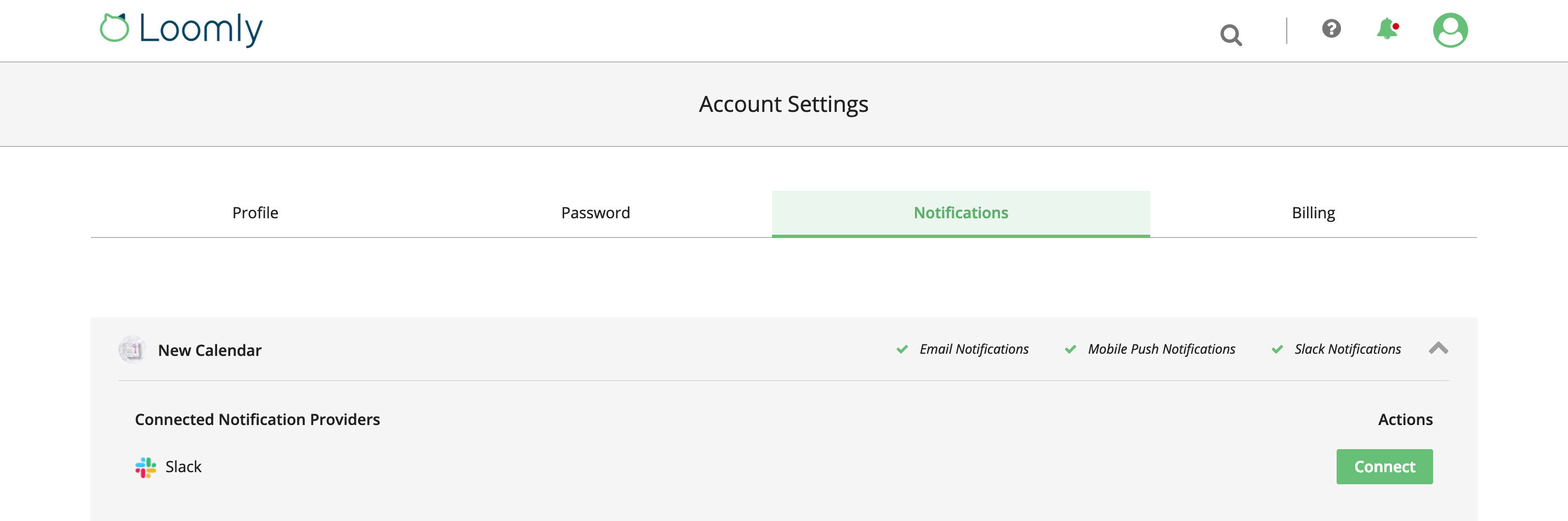
To enable Slack notifications, simply connect Loomly to Slack from the Notifications tab:

The Loomly Slack App
The Loomly Slack App allows you to receive notifications in Slack when, in Loomly:
- A collaborator:
- Requests approval, approves, requires edits, schedules or publishes a post.
- Assigns a post to you.
- Leaves a comment or @mentions you.
- A post:
- Needs to be published.
- Has failed publishing.
How to install the Loomly Slack App
You can install the Loomly Slack App independently for each of your calendars:
1. Go to your Account > Notifications
2. Open the panel corresponding to the calendar for which you want to activate Slack notifications.
3. Under the section Connected Notifications Provider, click on Connect.
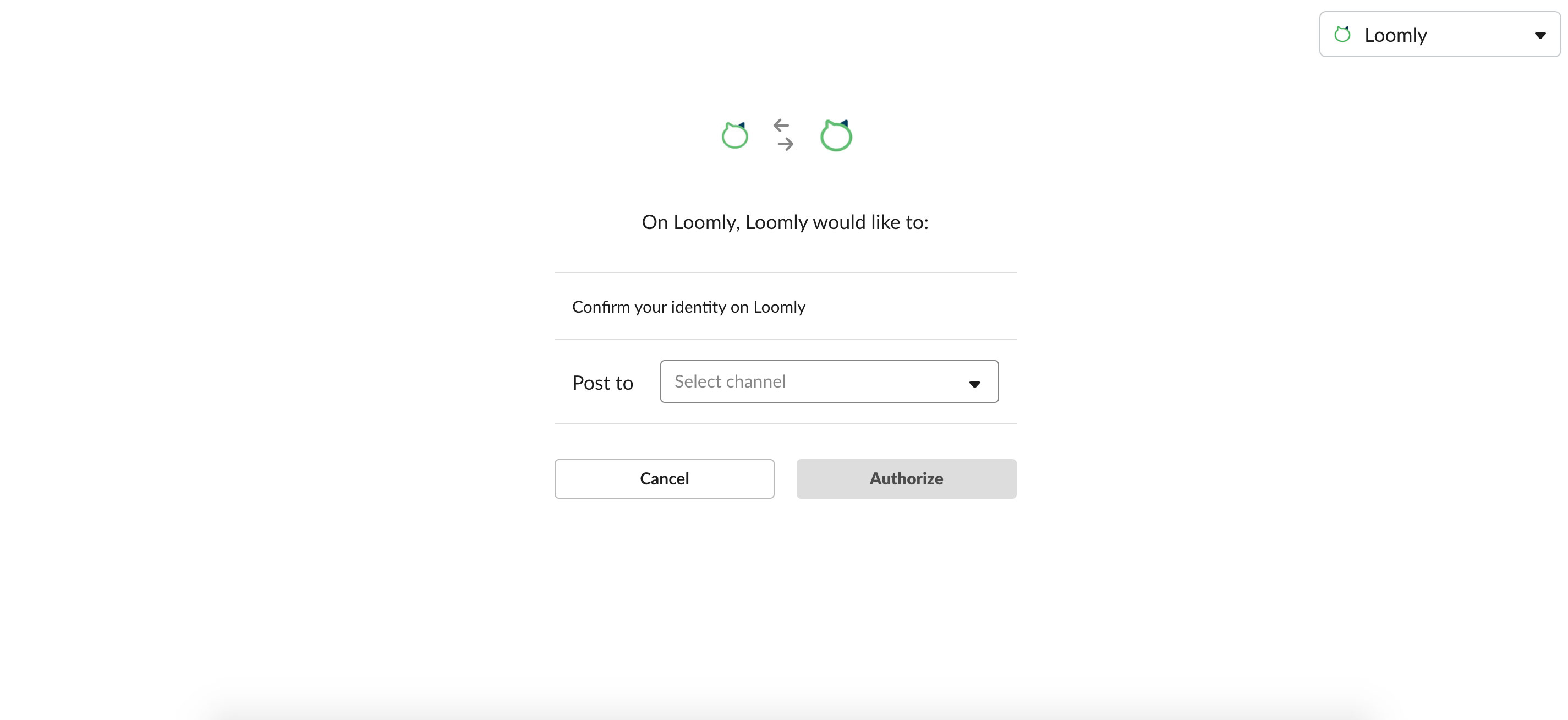
4. You are redirected to Slack: select where in Slack you want to receive your Loomly notifications and authorize Loomly to connect to your Slack workspace.
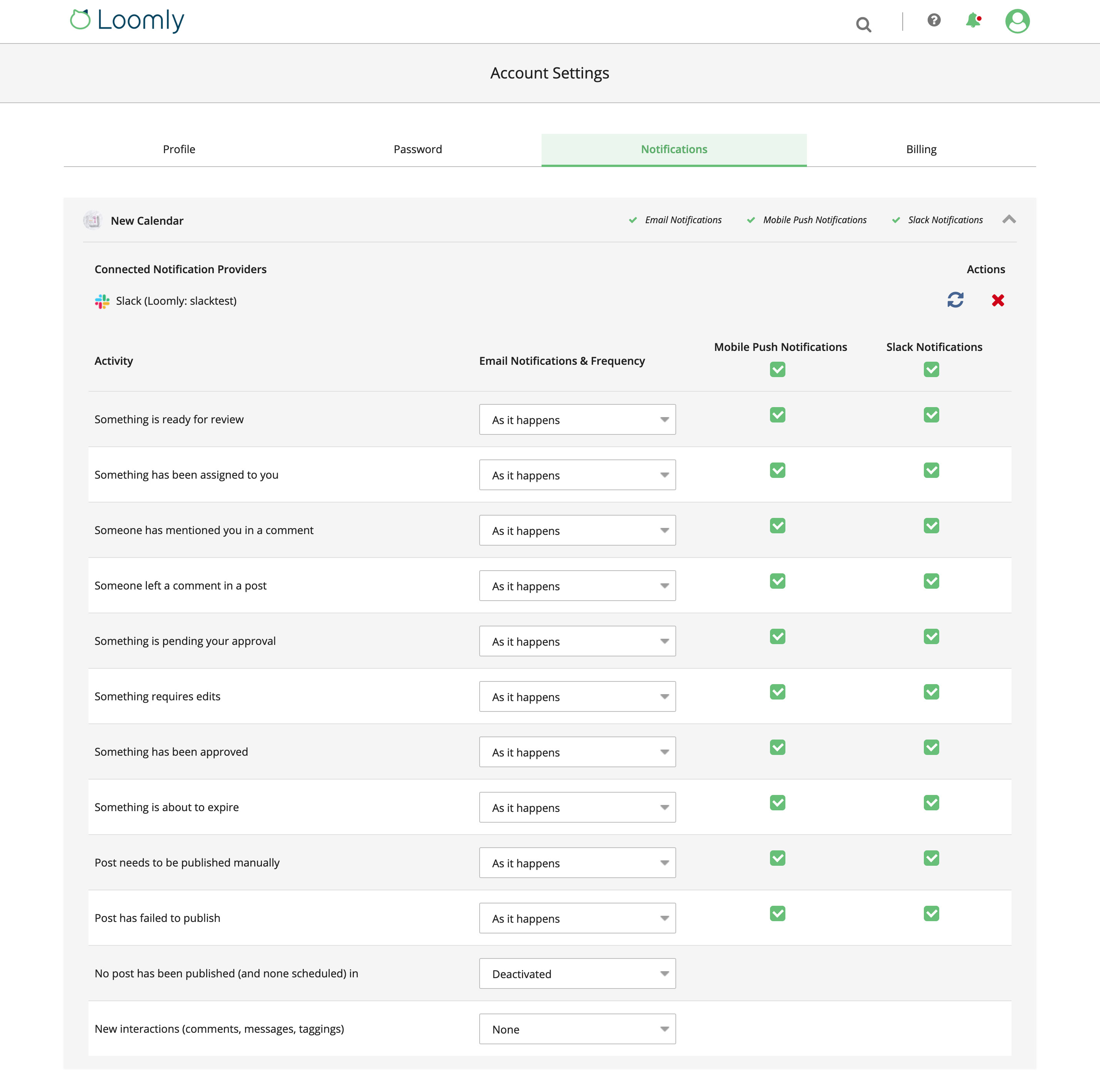
5. Back to Loomly, select which Loomly notifications you want to receive in Slack.
6. Verify that you receive Loomly notifications inside your Slack workspace.